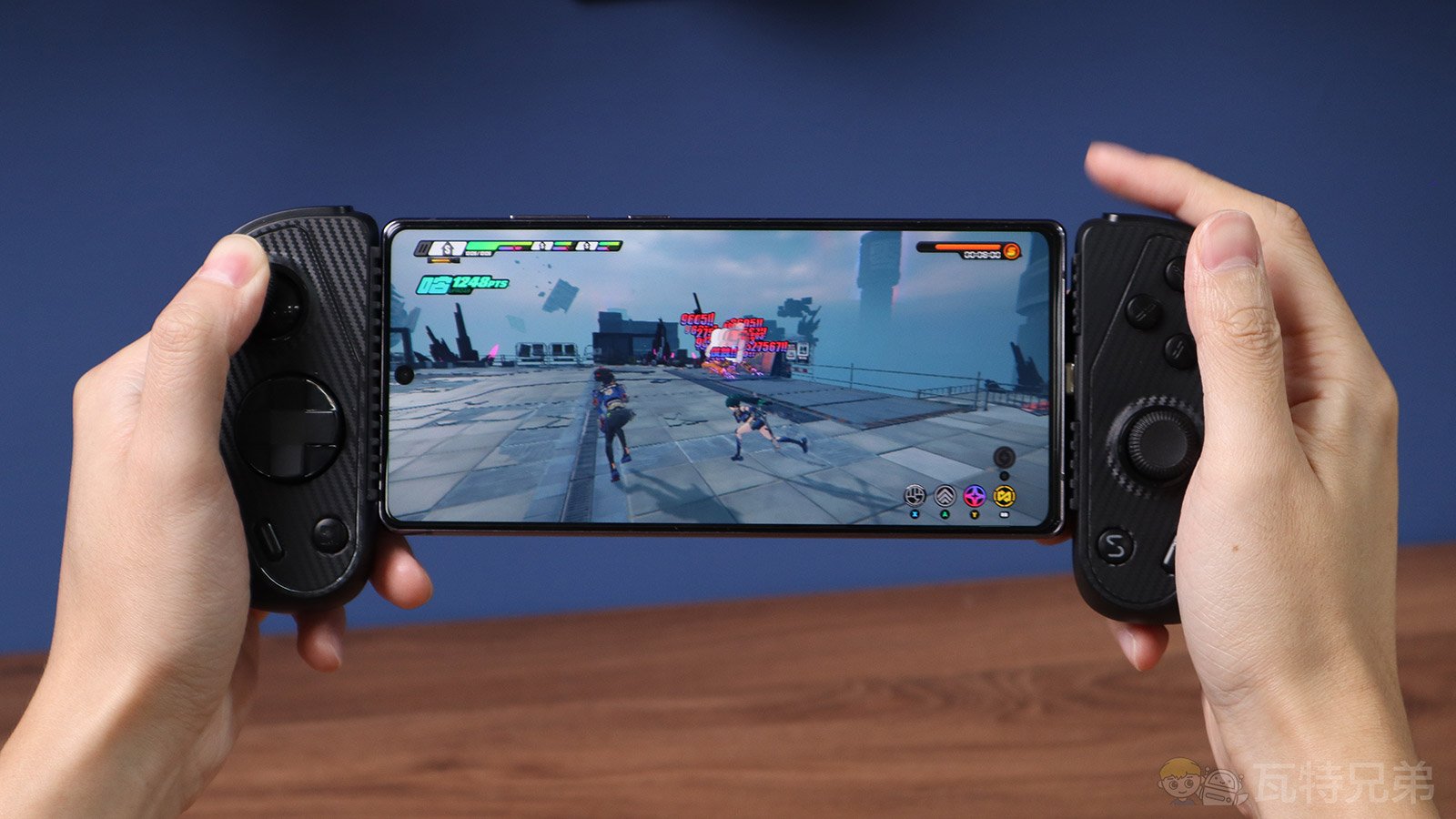
The Pros & Cons of the Serafim S3 Game Controller for mobile
09-19-2024 / Author: Watt Brothers
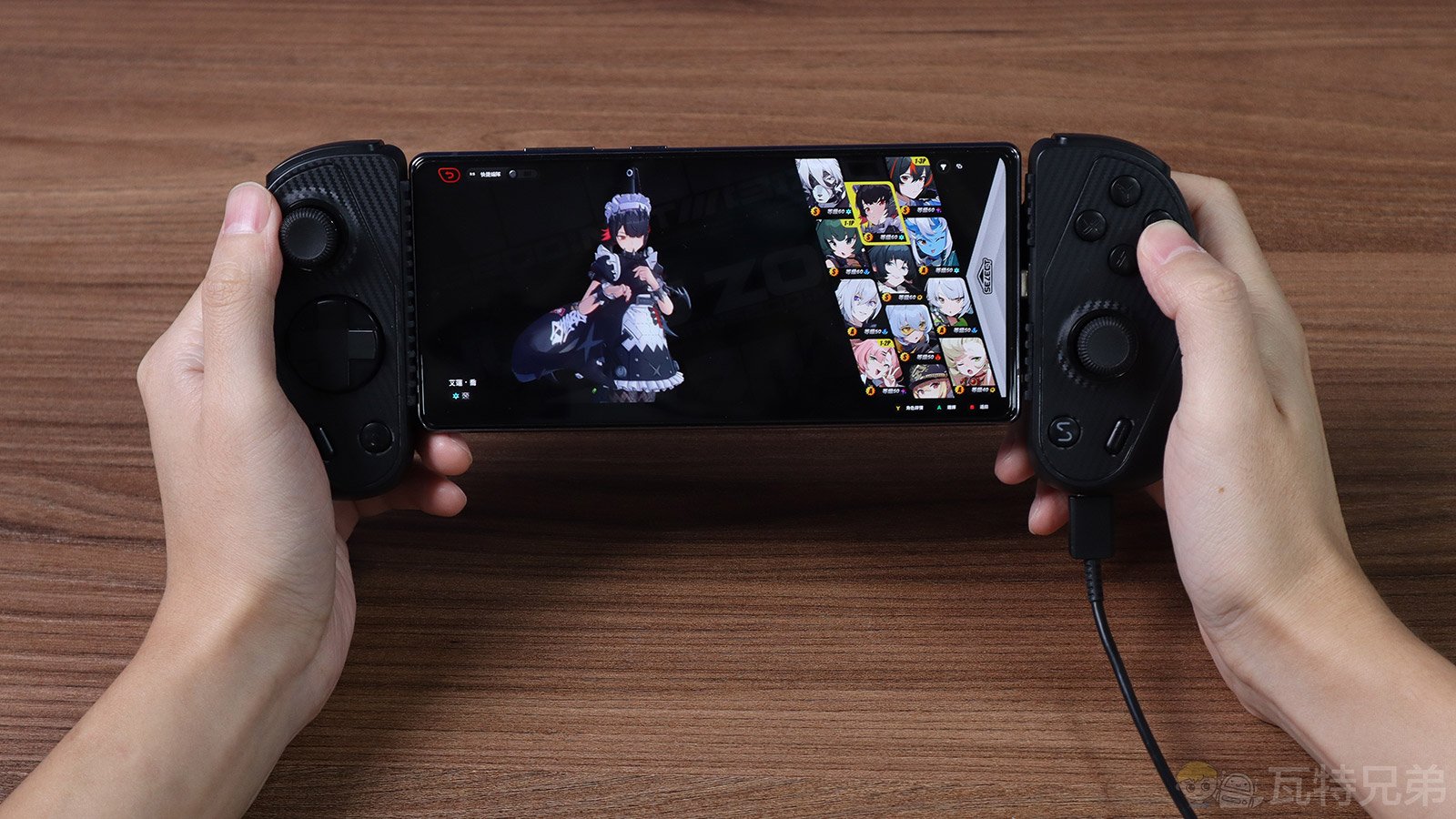
Game controller advancements have significantly enhanced the mobile gaming experience. As phones like the iPhone and Android continue to improve their hardware specs, graphically demanding mobile games, such as Genshin Impact and Zenless Zone Zero, are growing in popularity. Many of these games now support gamepad operation, breaking away from the traditional mobile game focus on touch controls. However, mobile devices differ from PCs, Switch, and other consoles, emphasizing portability and convenience. When pairing with a game console’s Bluetooth controller, there may be issues like no phone stand or inconvenient gameplay. This article will unbox a game controller specifically for mobile devices—the Serafim S3 Cloud Gaming Controller. We will evaluate the accuracy of the joystick and control buttons and analyze the pros and cons for players to consider.
Unboxing the Serafim S3 Cloud Gaming Controller
The Serafim S3 Cloud Gaming Controller (the Serafim S3) is a gamepad designed primarily for Android mobile devices, with iOS support starting in 2024. Its design, tailored for mobile use, ensures a seamless gaming experience. This article will introduce the design and slowly transition to performance tests, highlighting its convenience for mobile gaming.
S3 Game Controller Packaging Design
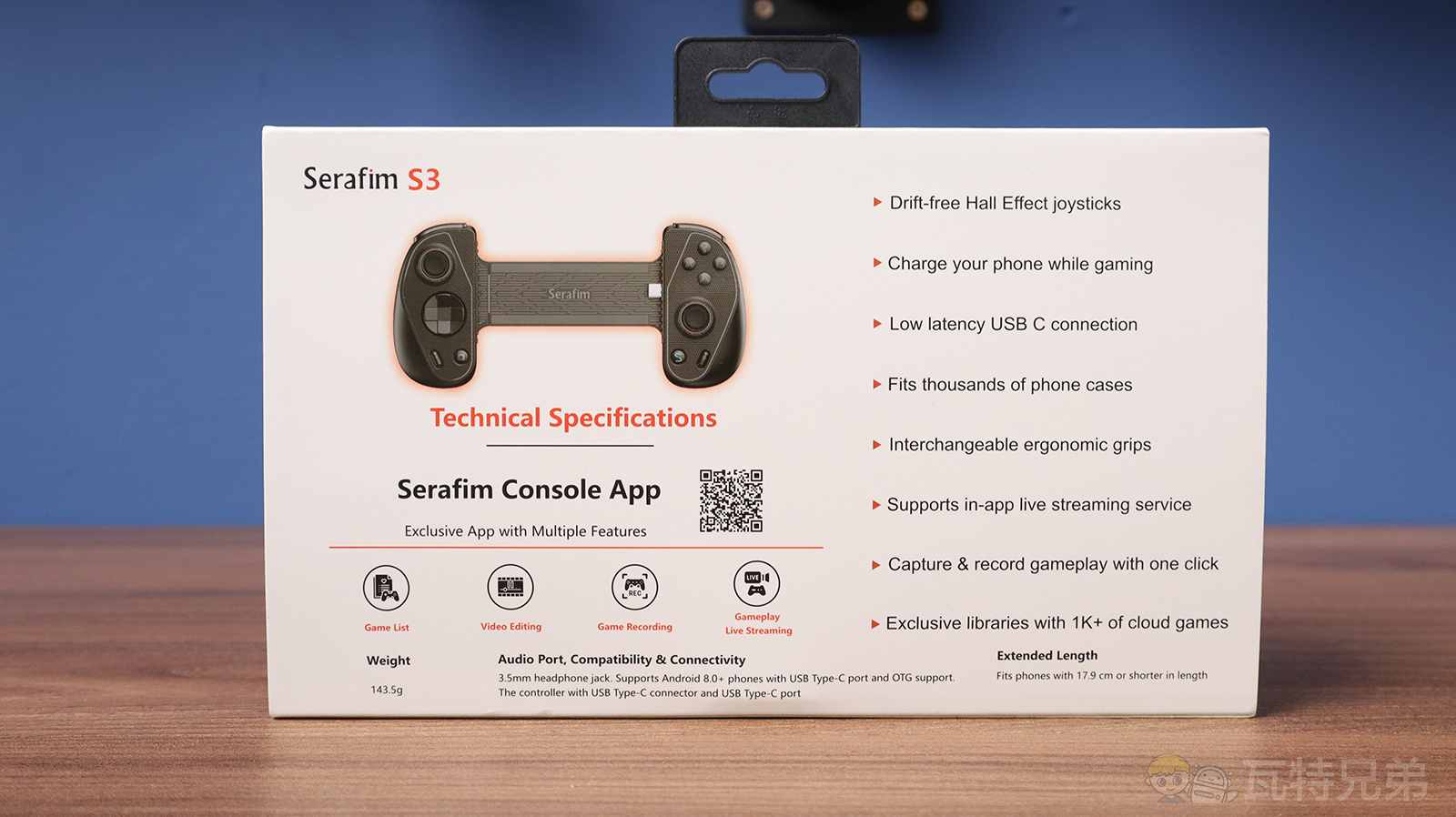
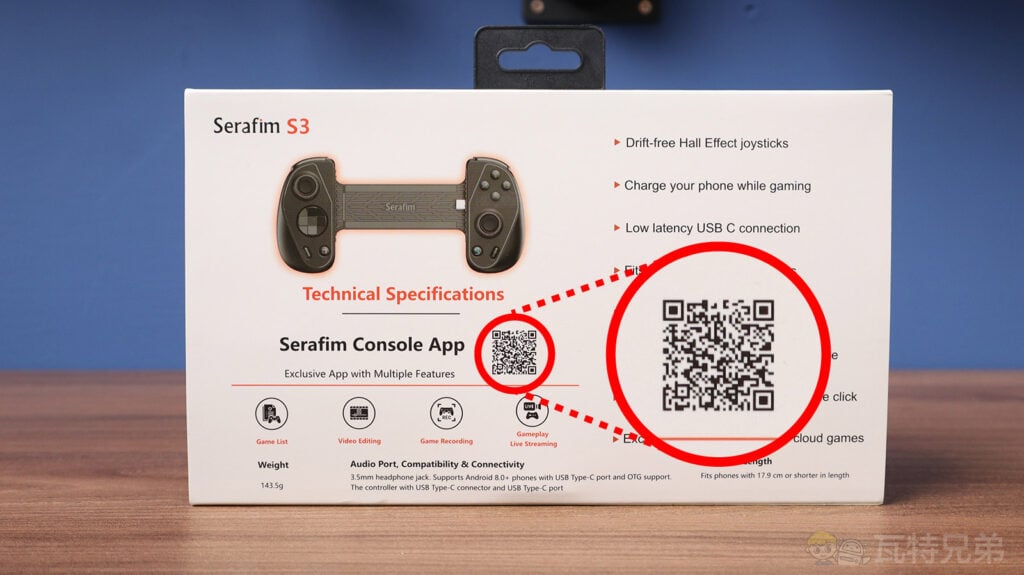
The Serafim S3 packaging consists of two layers. The top layer is a white outer box with a front illustration of the gamepad and a purple ink background. It has an apparent visual theme. The back features key specifications and highlights.
Front and back of the Serafim S3 packaging
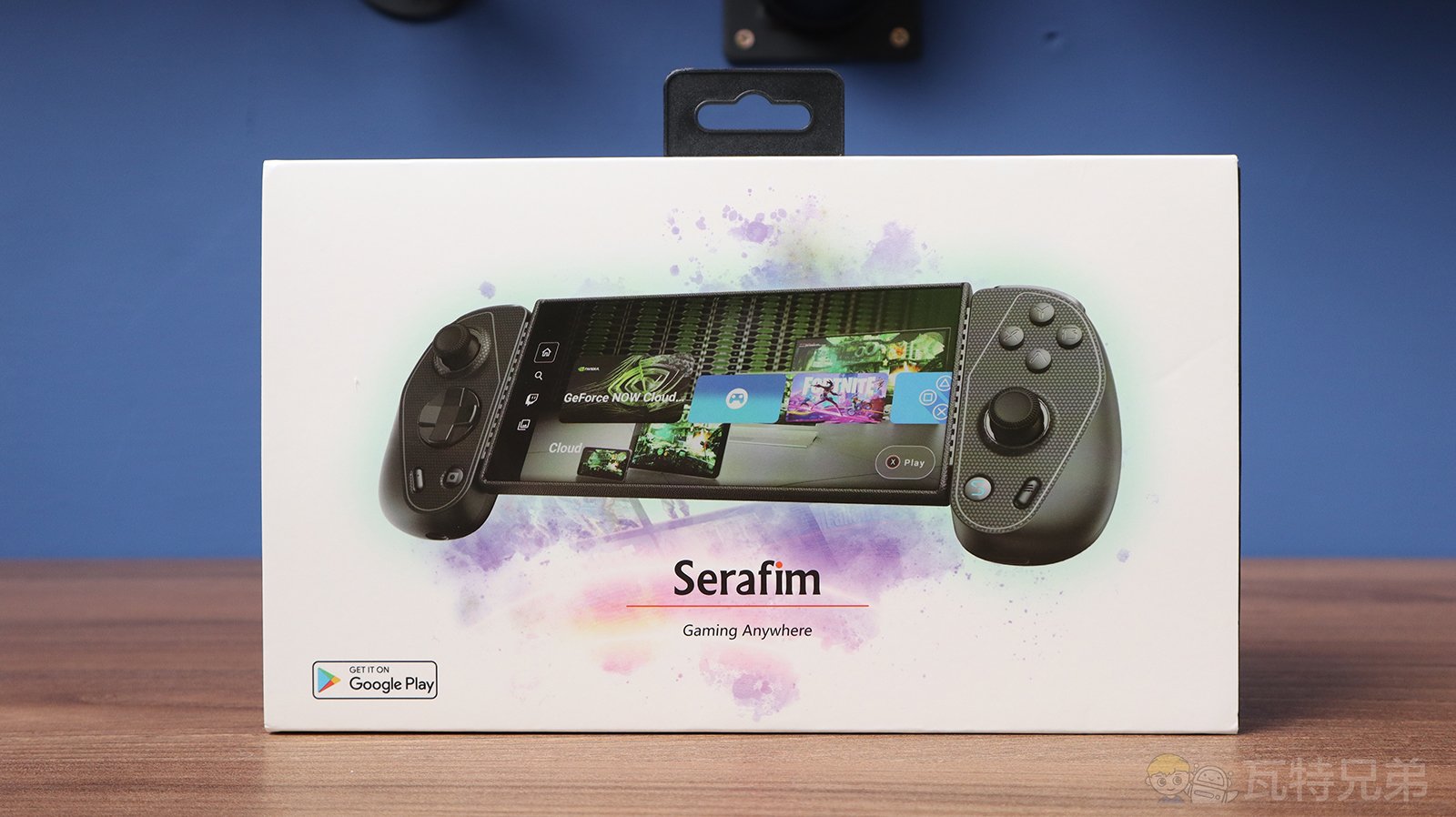
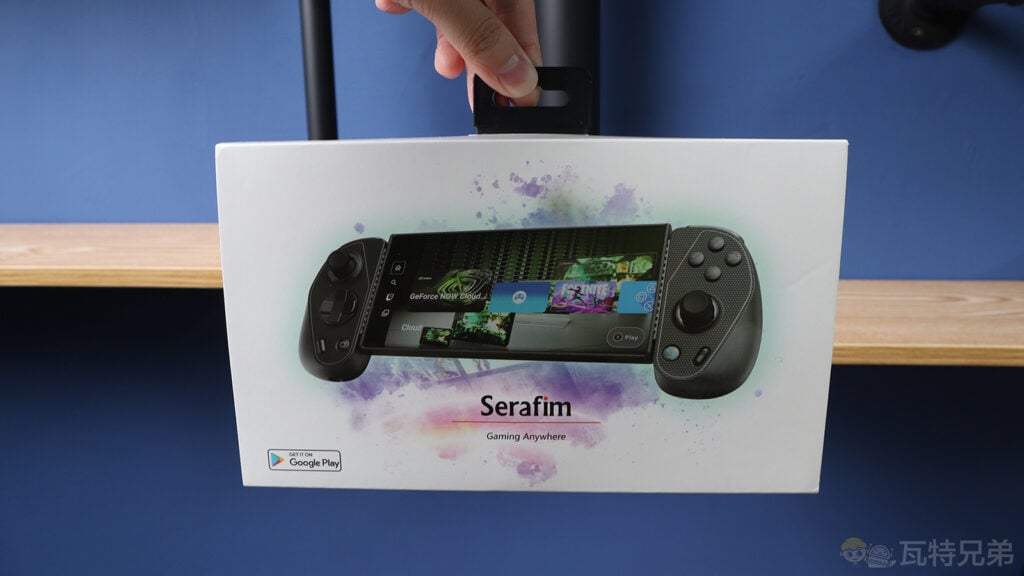
The packaging includes a plastic hanging hook.
The back of the packaging has a QR code for downloading the dedicated app.
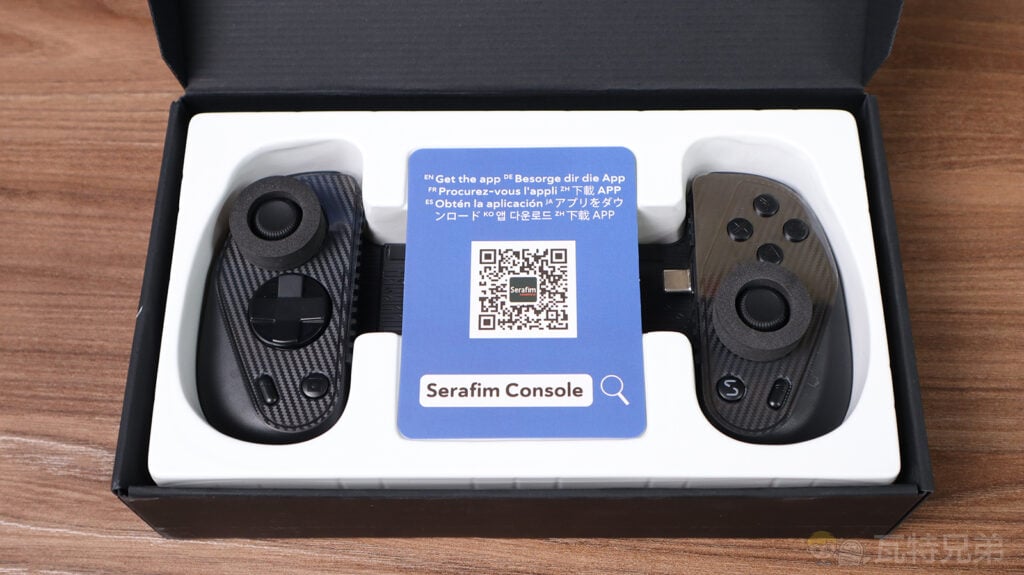
The inner part uses a black cardboard box, with the game controller fixed securely in a plastic template. The analog sticks are protected by circular foam pads, making them safe for transportation.
Internal packaging
The lower section of the box contains the manual and other accessories.
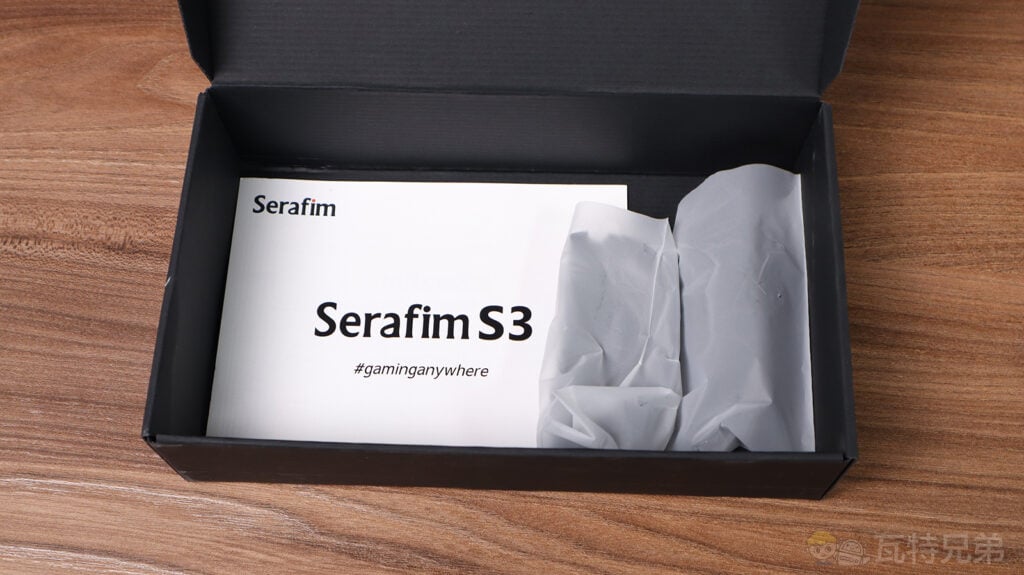
S3 Game Controller Accessories
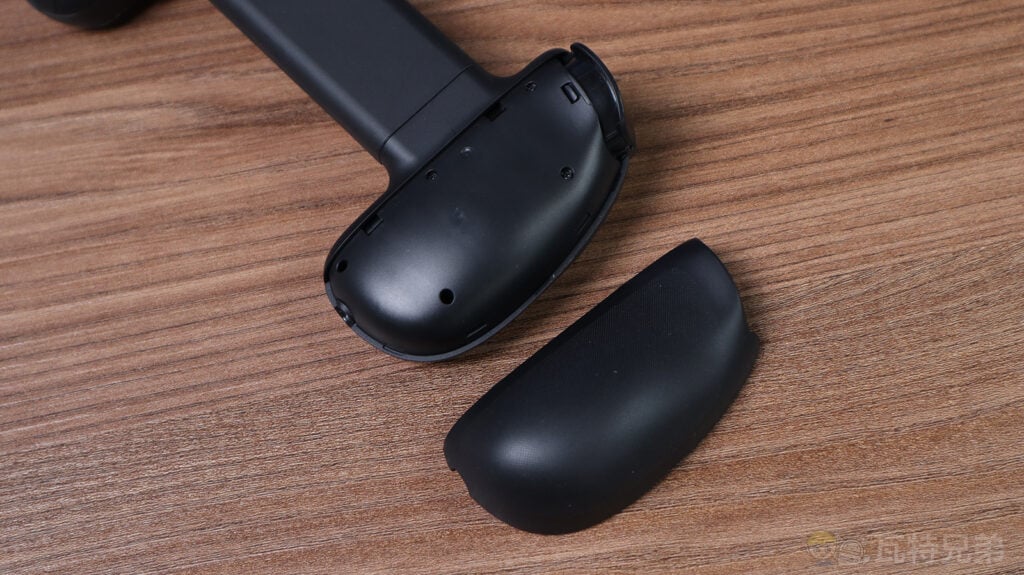
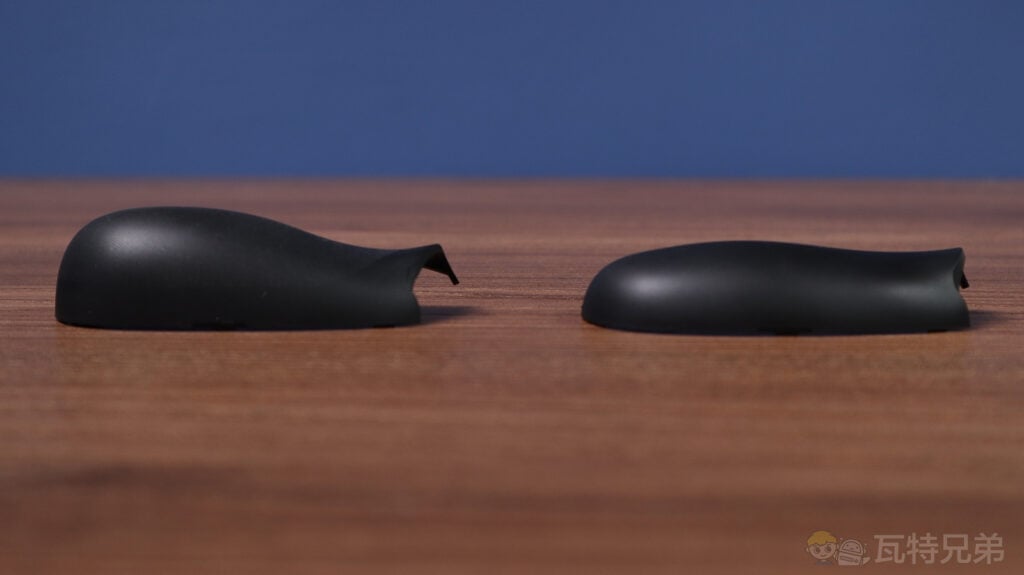
Inside the package, you’ll find three main parts: the S3 game controller, interchangeable grips, and a manual. One feature worth mentioning is that the Serafim S3 allows users to swap out the grips based on preference. With its anti-slip surface, the thick grip provides a more secure hold, especially during intense gaming sessions. While less slip-resistant, the thin grip feels smoother and thinner, offering a different tactile experience. This versatility in grip options caters to a wide range of player preferences.
Overview of the package contents
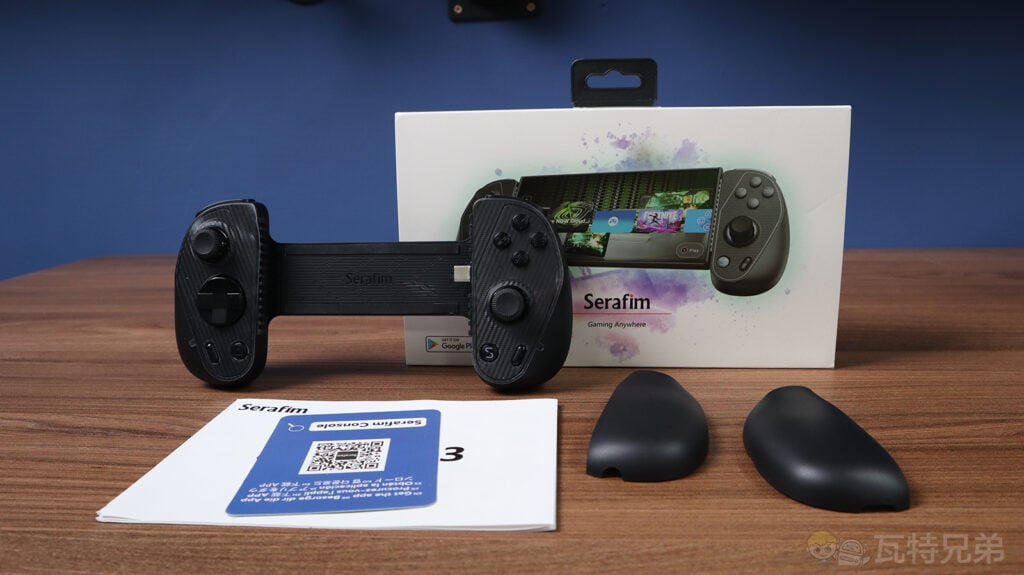
The back cover of the Serafim S3 gamepad can be removed and replaced.
Thickness comparison between the thick grip (left) and the thin grip (right)
S3 Controller Design: Weight & Dimensions
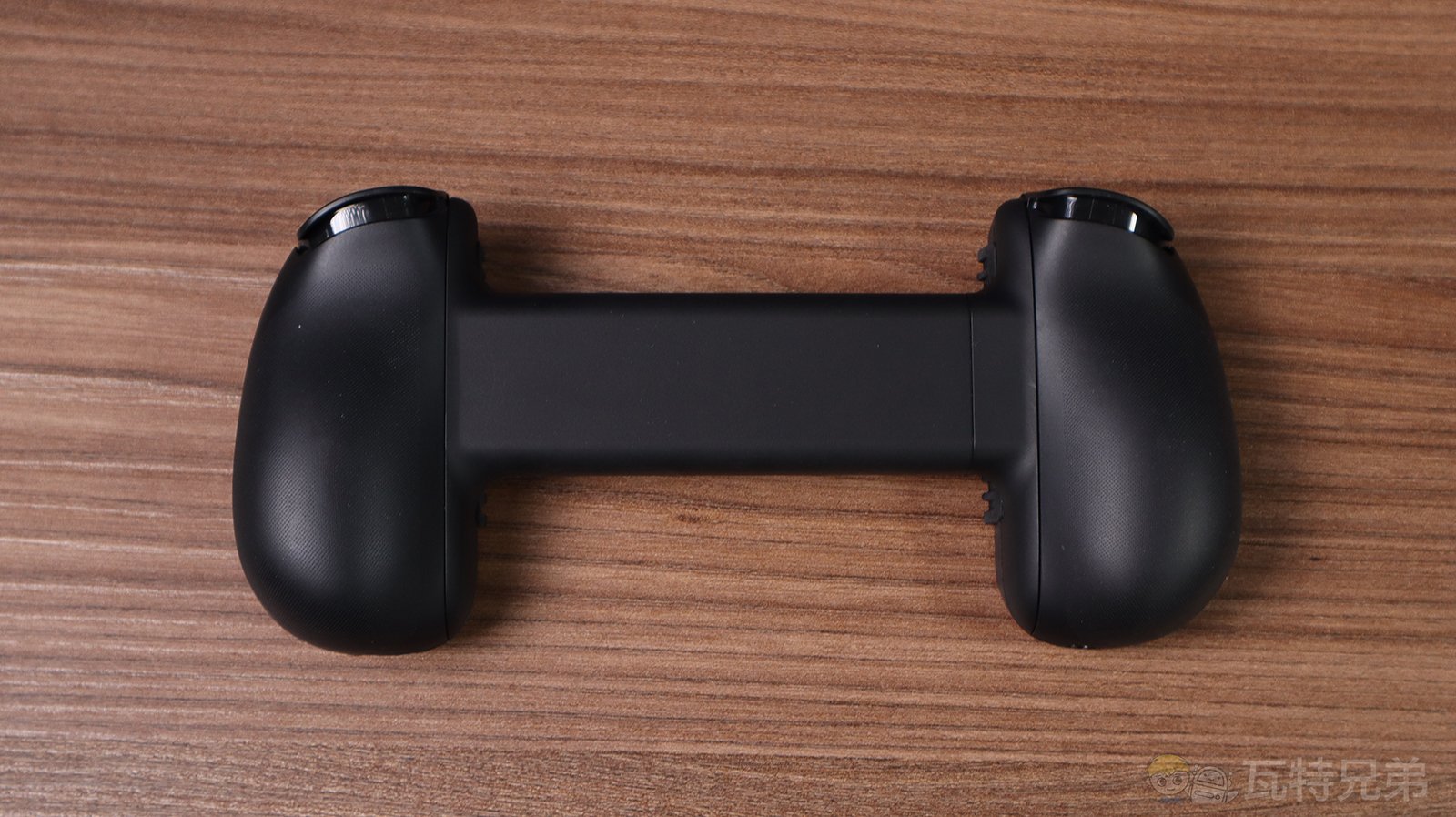
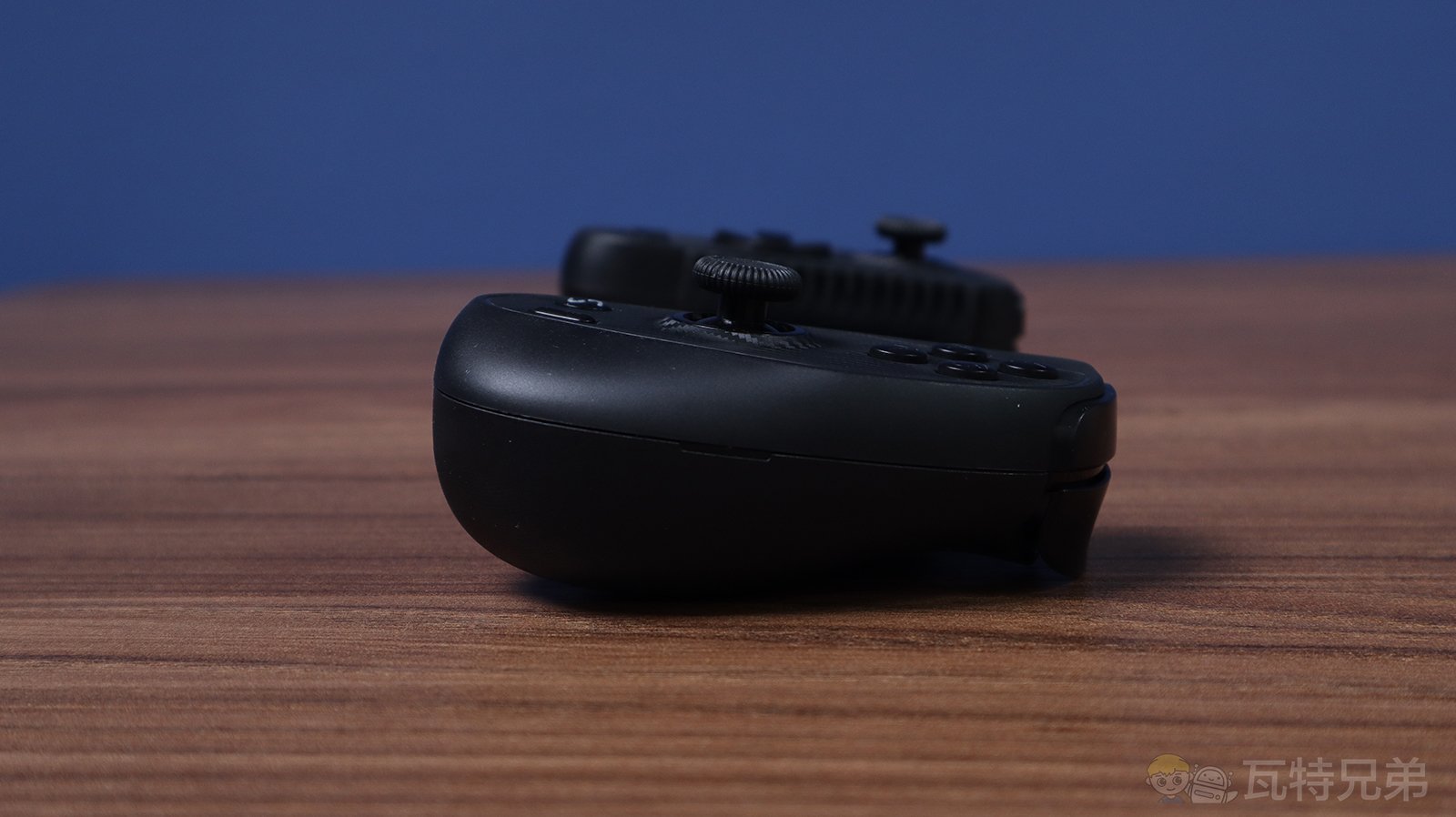
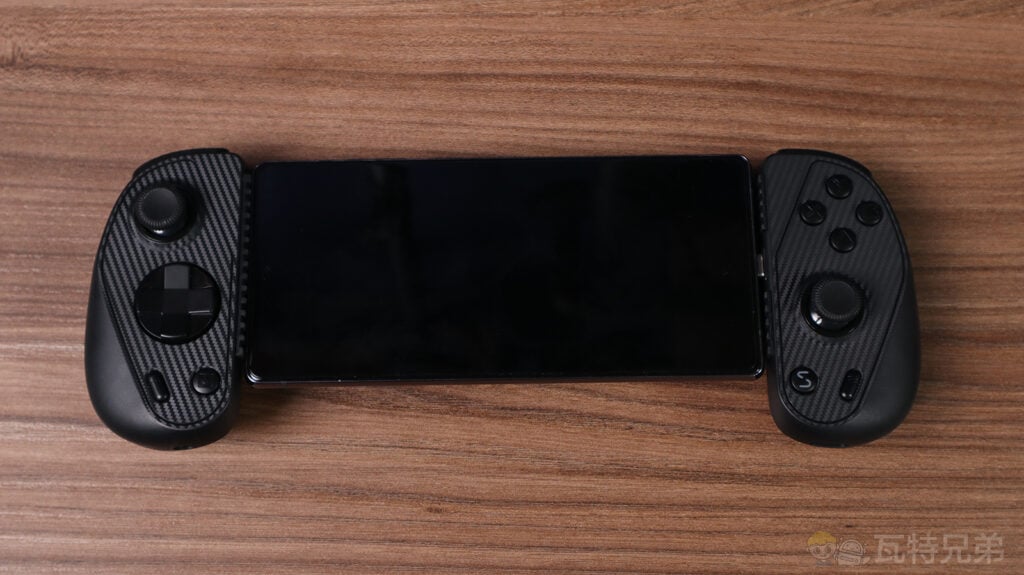
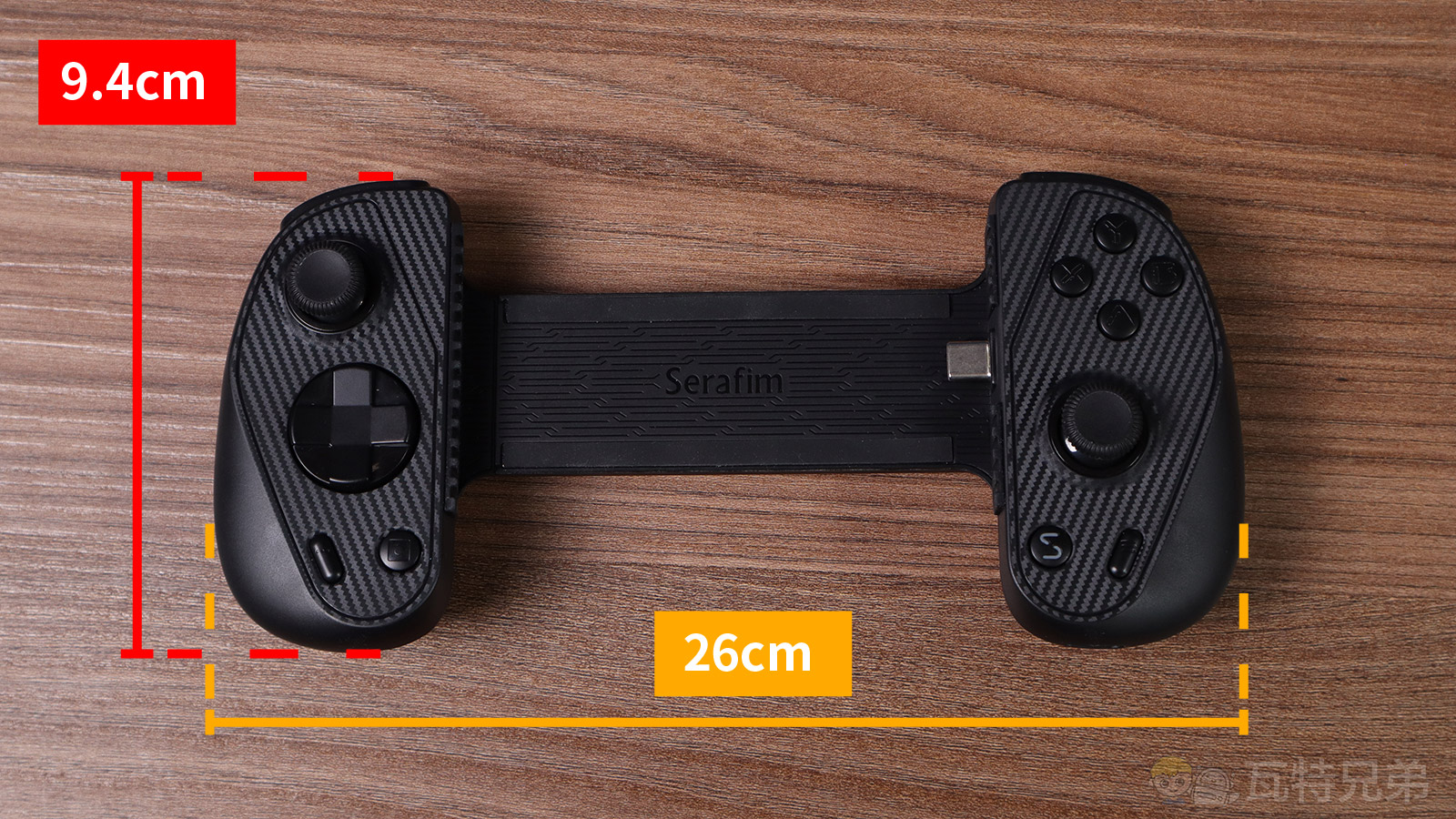
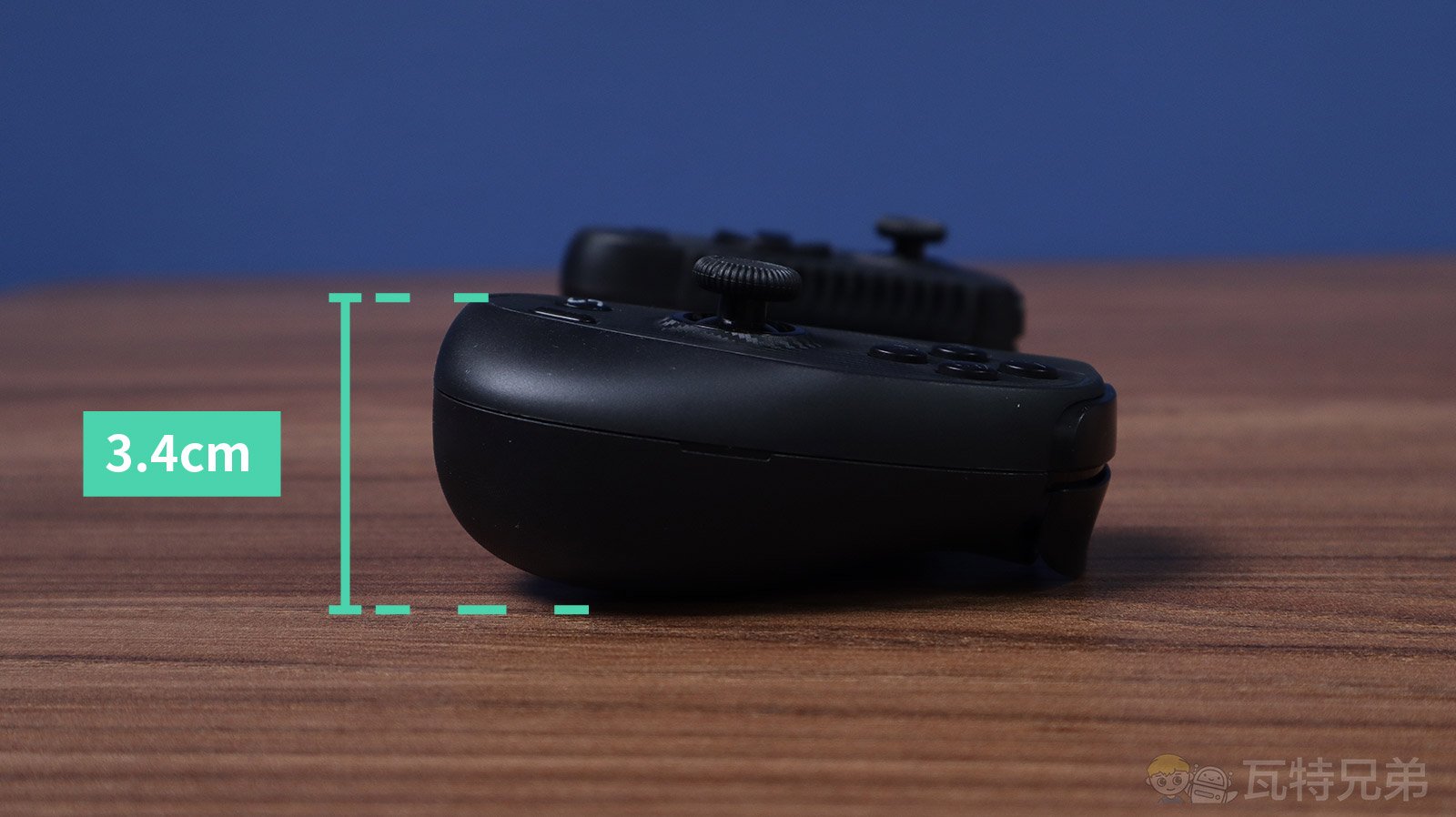
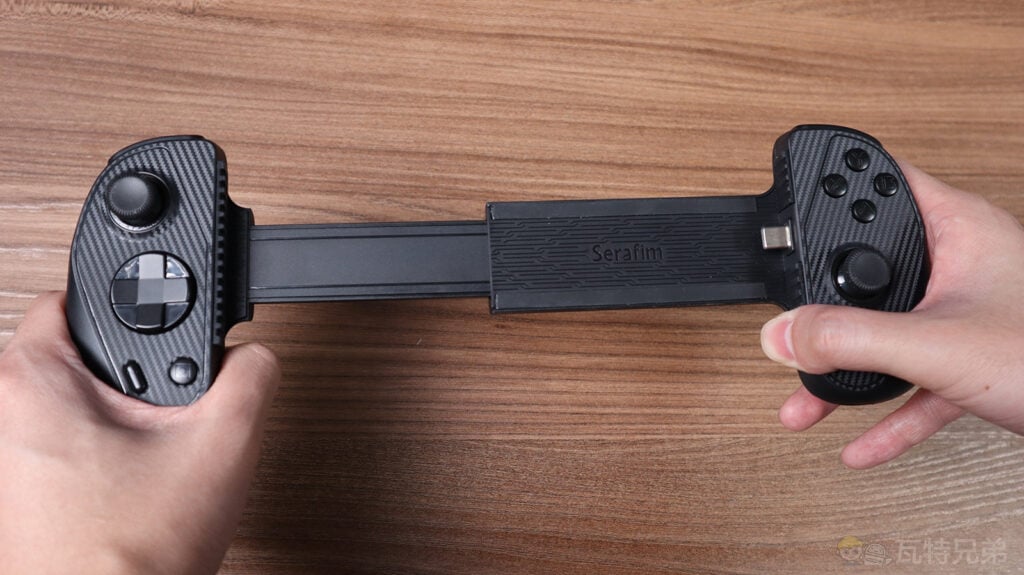
The Serafim S3 is designed specifically for mobile use. It is similar in appearance to handheld consoles like the Switch or Steam Deck. However, it features a phone stand instead of a built-in screen. The Serafim S3 measures about 26 x 9.4 x 3.4 cm when not connected to a phone. The adjustable phone stand can hold up to 17.9 cm long, fitting models like the iPhone 15 Pro Max and Galaxy S24 Ultra.
Front, back, and side views of the Serafim S3
Serafim S3 with a phone attached
Dimensions of the Serafim S3
The extendable length of the Serafim S3
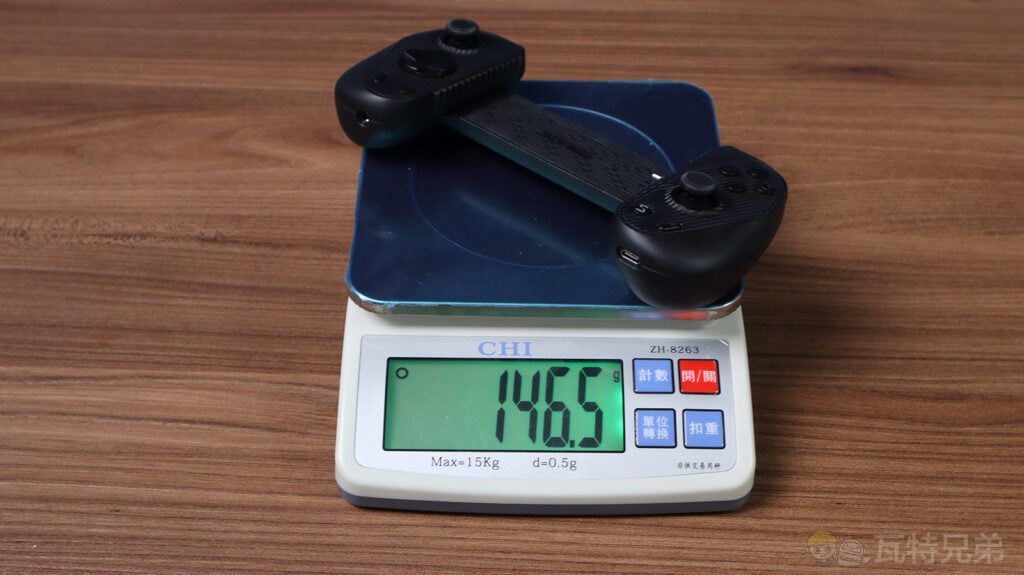
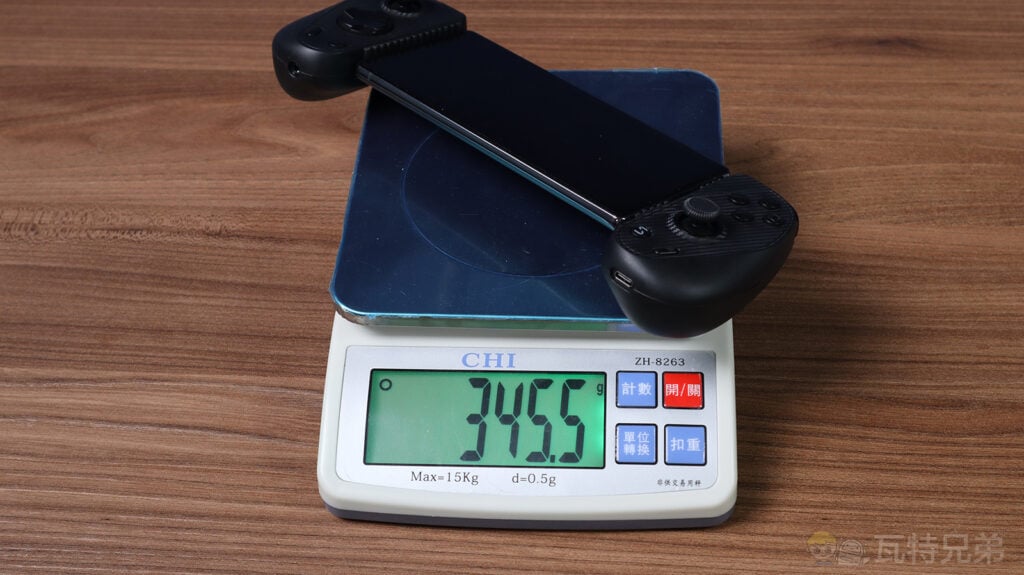
In terms of weight, the Serafim S3, without a phone installed, weighs approximately 146.5g. Combined with an average phone, the total handheld weight could range from 300g to 350g. This makes it significantly lighter than the Nintendo Switch (about 420g, including Joy-Cons) or the Steam Deck (around 669g), reducing the strain on your hands during extended gaming sessions and making it a more comfortable option for mobile gaming.
Weight without a phone
Weight measured as 345.5g with a Galaxy Note 20 installed
Buttons & Features
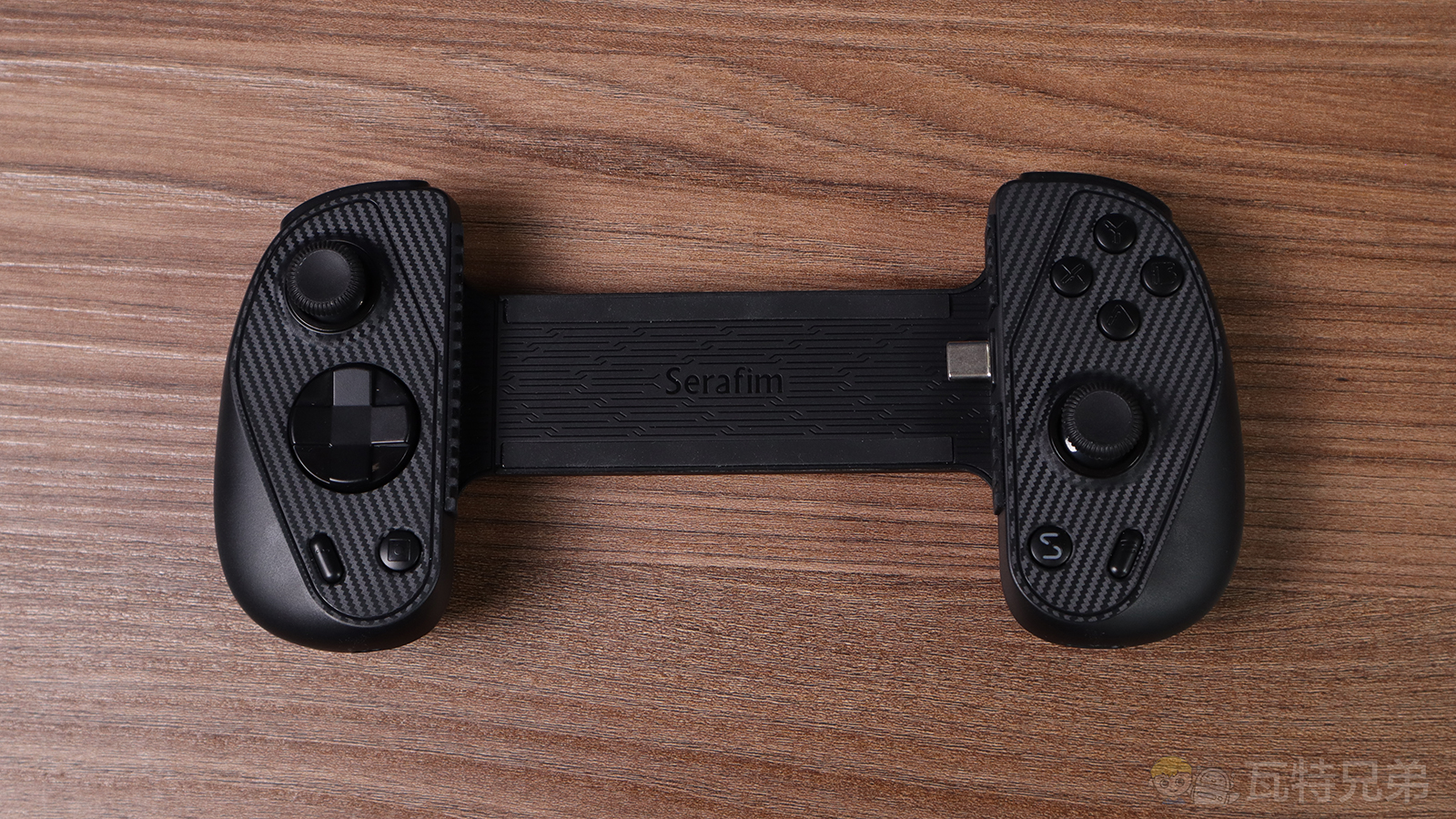
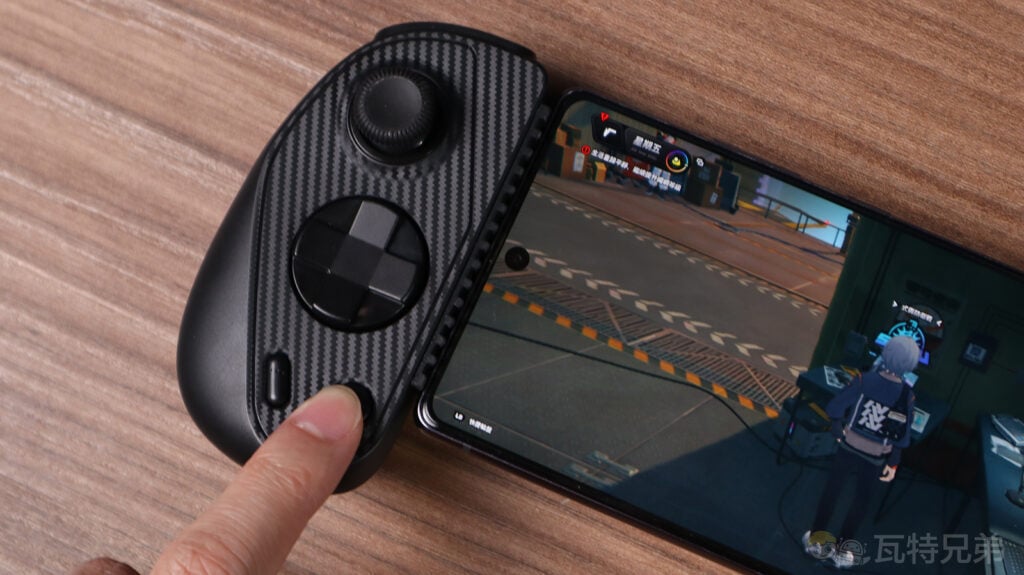
The Serafim S3 controller surface uses a carbon fiber pattern for visual and tactile effects. In terms of functionality, the button layout includes standard joysticks, a D-pad, ABXY buttons, and RL triggers. Additionally, there are special function keys for screenshots and recording videos, catering to everyday mobile game needs.
Serafim S3 Game Controller Performance Testing
For testing, I will focus on six main areas: joysticks, ABXY buttons, triggers, phone stand, USB-C port, and the dedicated app. Testing includes feel, accuracy, joystick drift, and additional features.
The positions of the A and B buttons on the Serafim S3 are opposite to those on the Switch Pro controller.
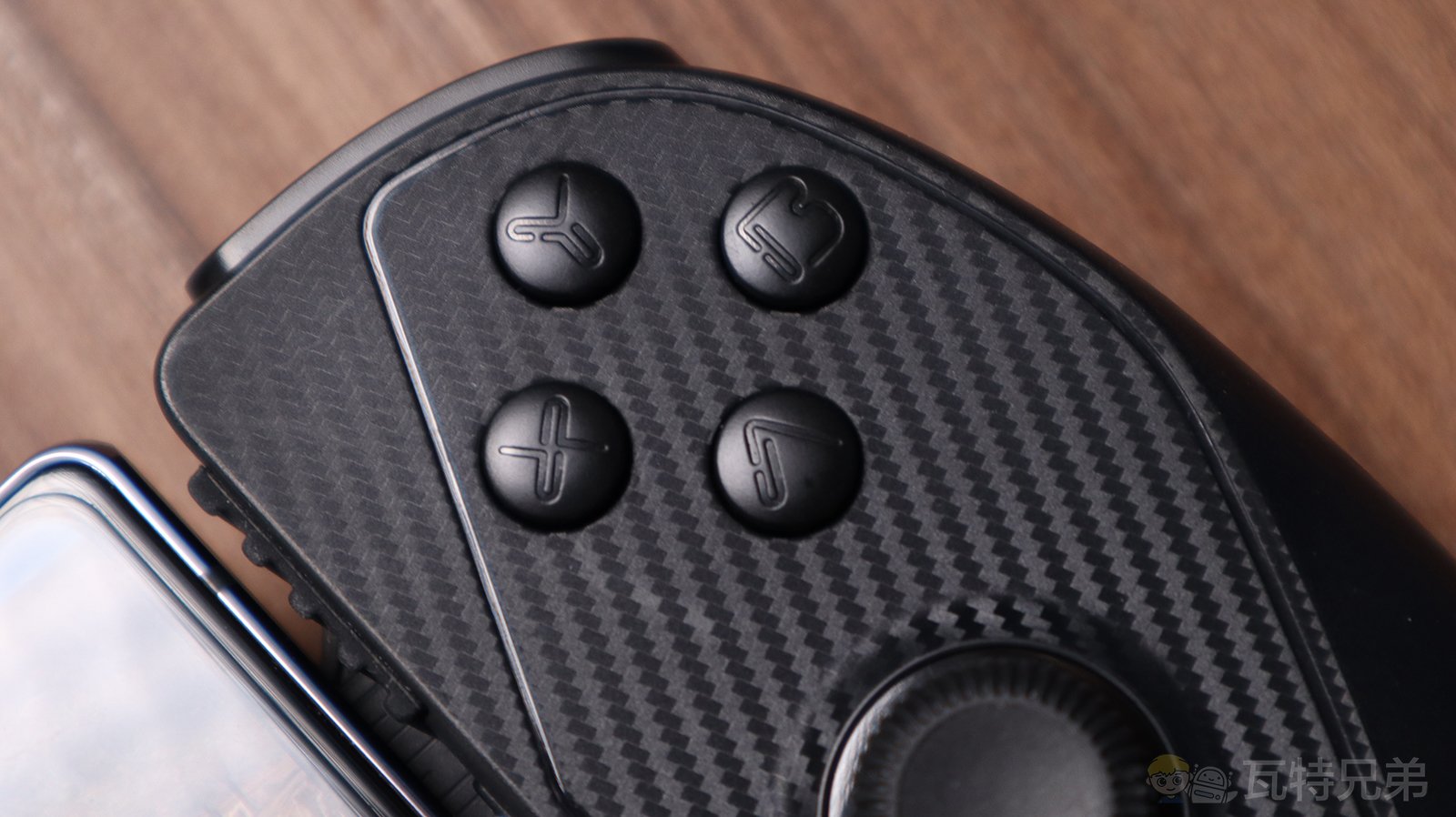
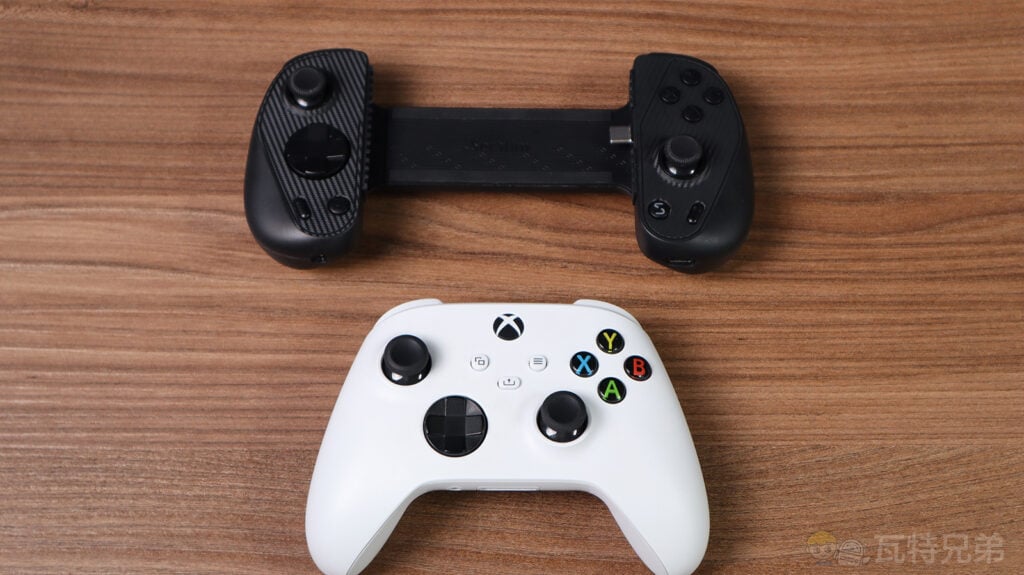
The joystick positions on the Serafim S3 (upper left and lower right) are similar to the design of an Xbox game controller.
S3 Controller Analog Stick Performance
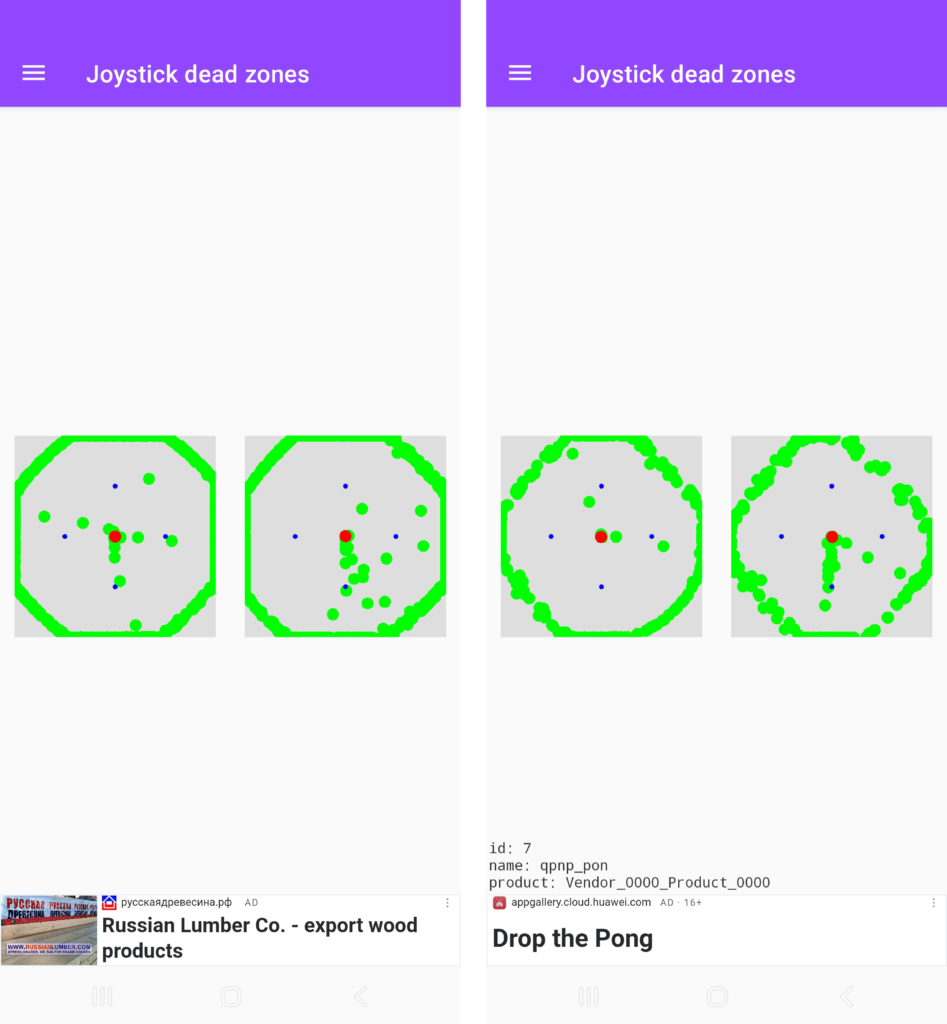
Analog sticks are a critical component of controller-based gaming. The Serafim S3 uses electromagnetic sensors to ensure no drift and smooth operation. The precision and responsiveness were accurate during testing, though the range is slightly smaller than that of high-end controllers.
Sensitivity range of a high-end controller (left) compared to the Serafim S3’s range (right)
S3 Game Controller ABXY Buttons & Triggers
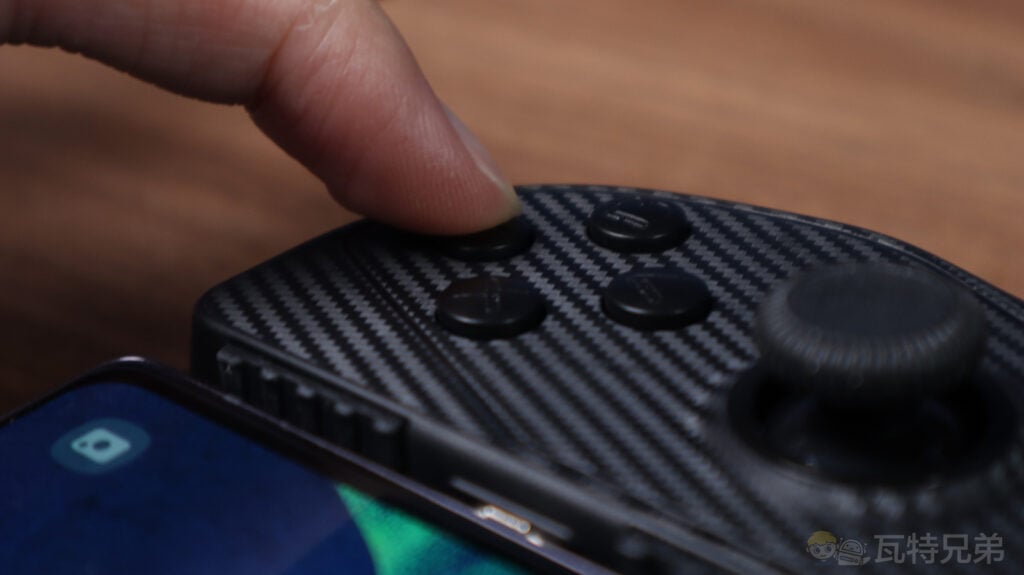
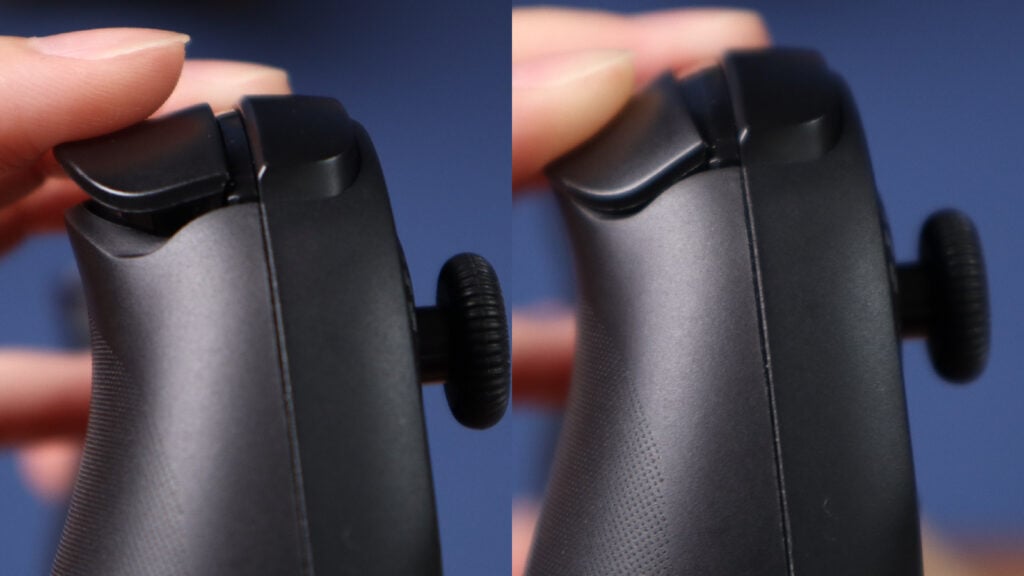
The buttons are smaller and have a shorter travel distance, making them feel flat. The triggers, particularly LT and RT, could use more gradual pressure feedback. This design may be limiting for gamers who enjoy racing games.
The ABXY buttons are small and have a shorter travel distance.
Short trigger travel
Phone Stand & USB-C Connectivity
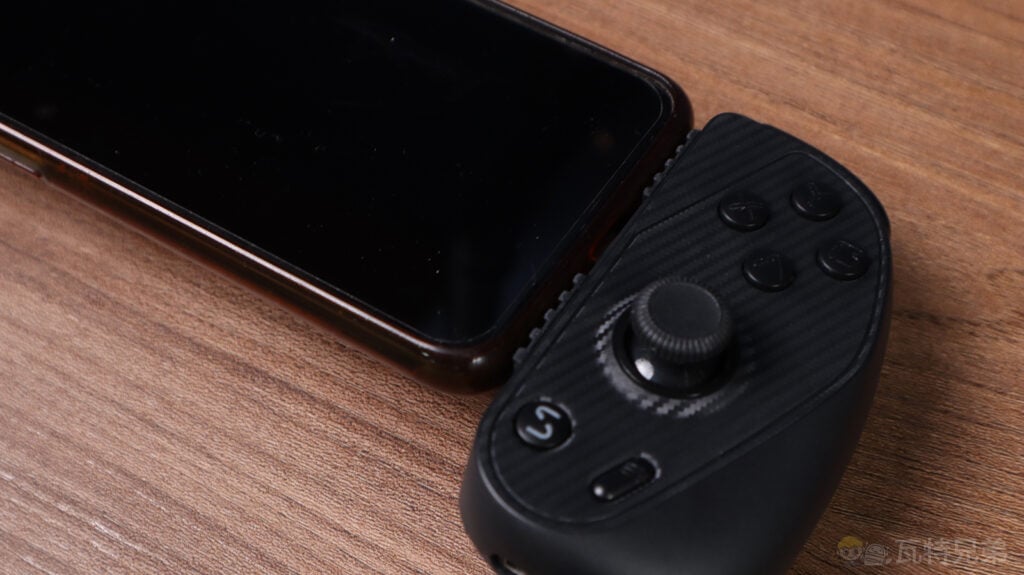
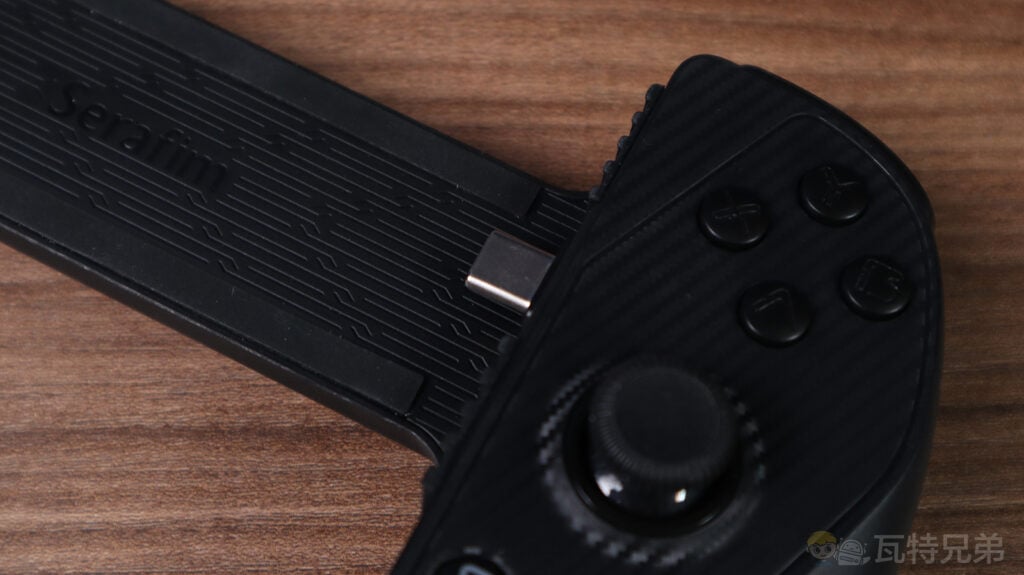
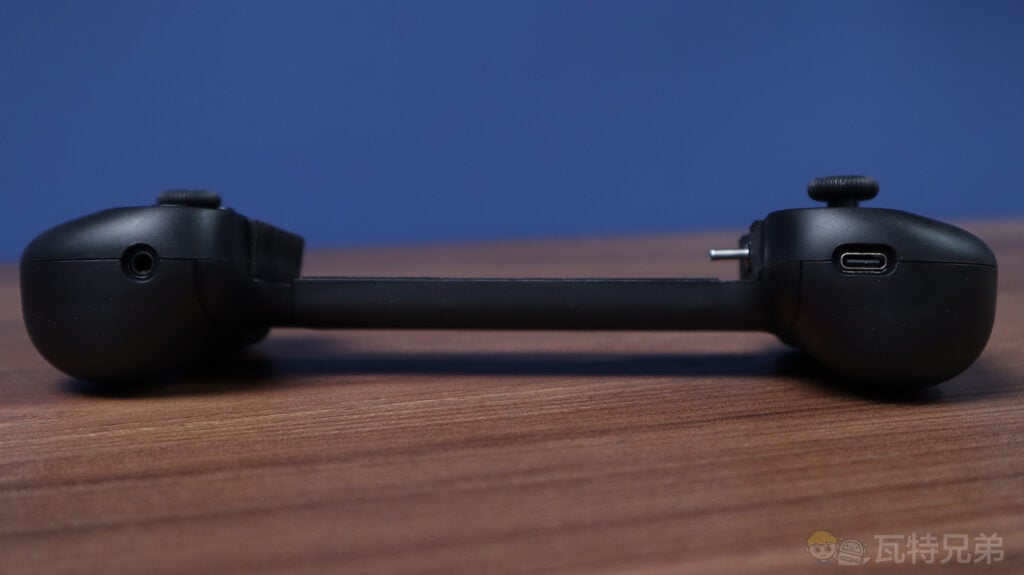
The stand can hold phones with cases up to 3mm thick, though more prominent cases might affect connectivity. The gamepad also features a 3.5mm headphone jack and supports charging while playing via USB-C.
Fits over a phone case
Uses USB-C connection
The left side has a 3.5mm headphone jack, and the right has a USB-C charging port.
Charging a phone through the controller’s charging port
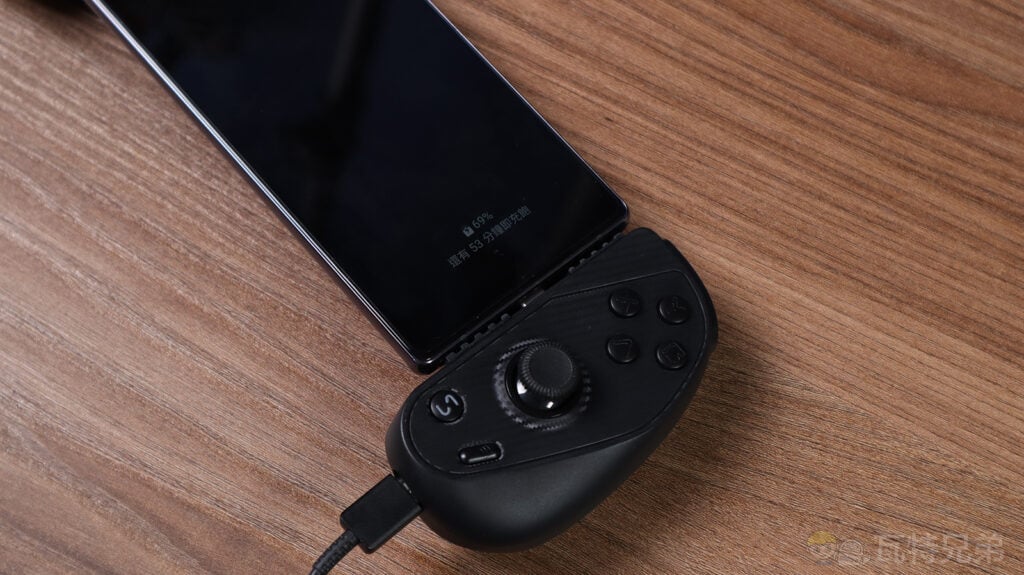
With the Serafim S3, you can play games while charging your device, giving you the power to keep playing without interruptions. This feature is a game-changer for mobile gamers.
App Integration
The Serafim Console App provides access to a library of games, recording and screenshot options, and even Twitch streaming capabilities.
1. Serafim Console App
The “Serafim Console” is the dedicated app for the Serafim S3. Once installed, you can launch the app directly through the “S” button in the bottom-right corner. The app offers several advantages, with the three most important being:
2. Extensive Game Library
The Serafim Console boasts a comprehensive game library featuring titles from the Apple Store, Google Play, Steam, Xbox, and PlayStation, with access to hundreds of games, including popular titles like Zenless Zone Zero, Honkai: Star Rail, Monster Hunter Rise, and Assassin’s Creed: Origins (Note: Paid games require purchase to play).
▶▶ Explore the Serafim-supported game library
Extensive game library
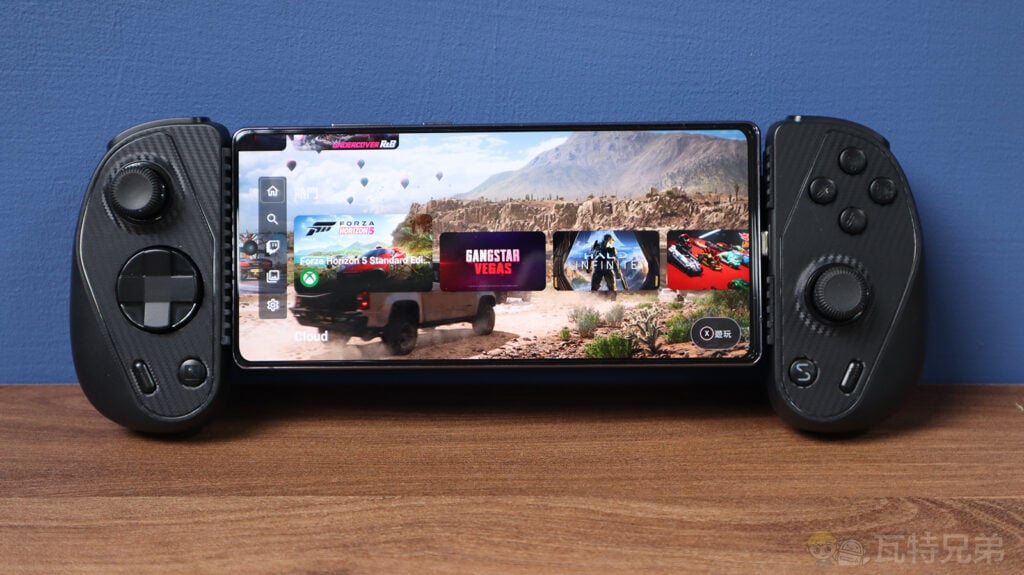
Download mobile games directly from the Serafim Console.
3. In-App Video Editing
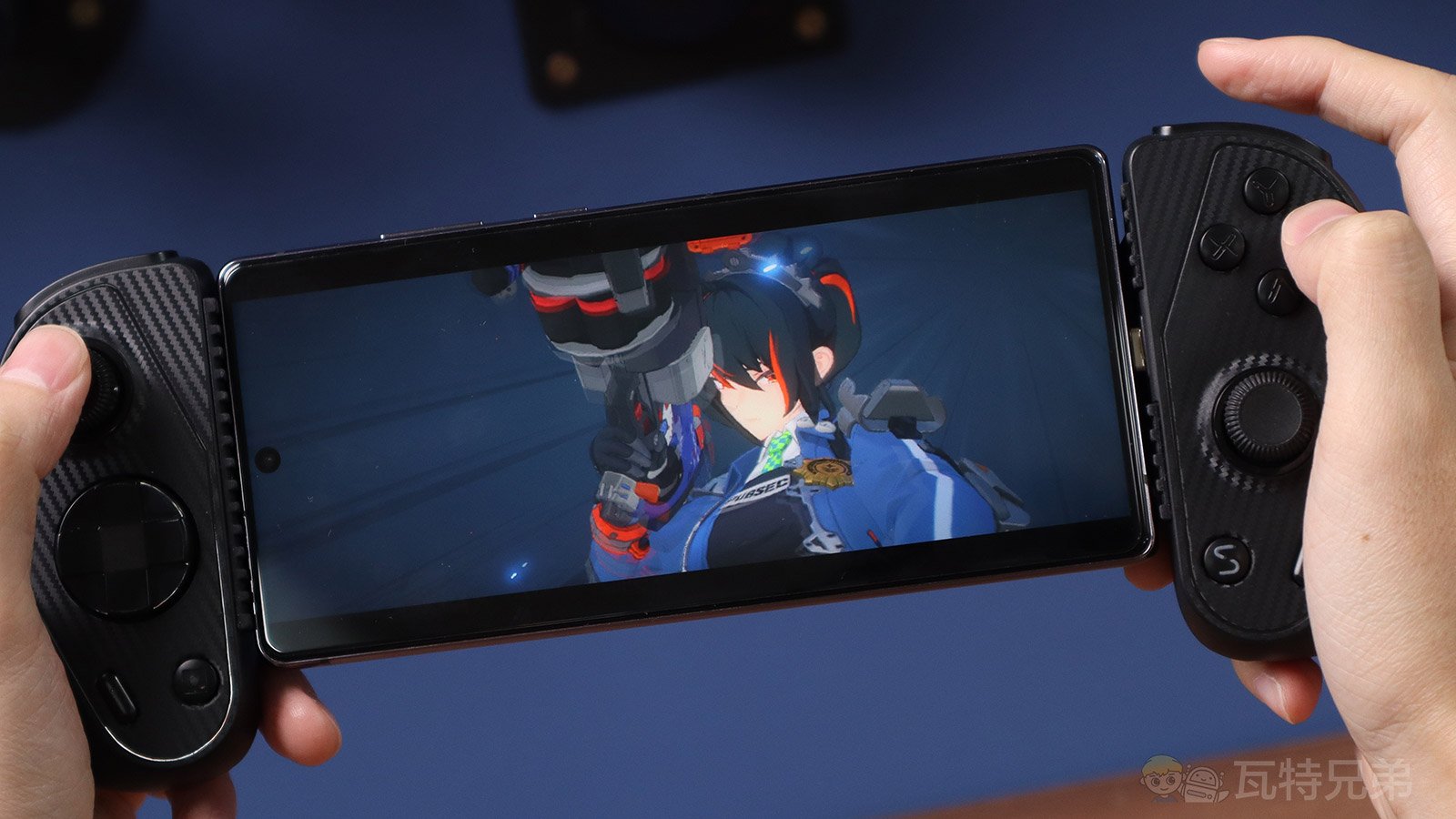
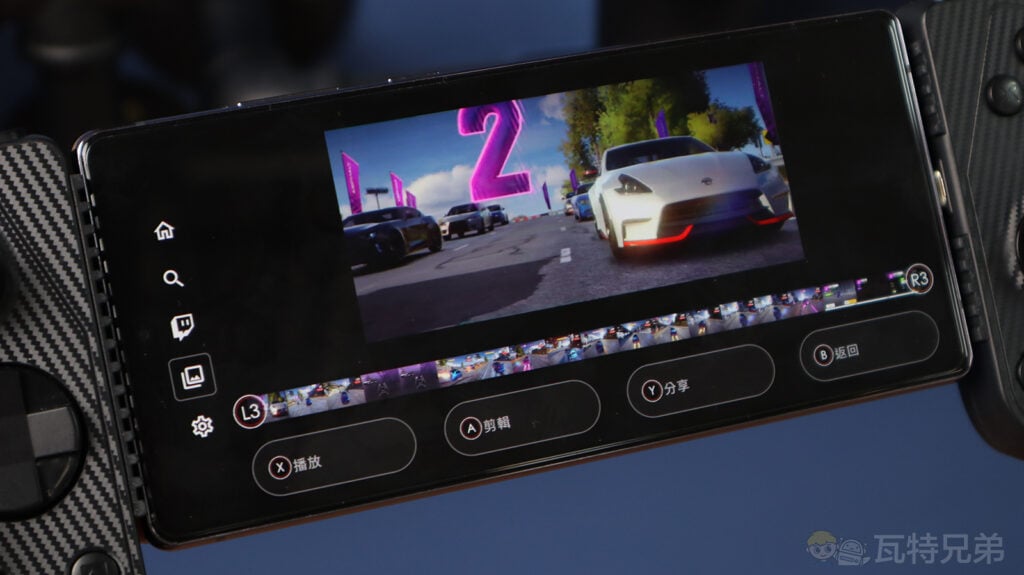
The Serafim Console app also enhances standard features like screenshots and video recording. A short press of the screenshot button takes a snapshot, while a long press starts recording. Recorded videos are saved in the app, where players can quickly edit clips, making it easy to create game highlights.
Long press the screenshot button to access the recording feature
Edit recorded videos directly within the app.
4. Twitch Game Streaming
Players can log into their Twitch account directly from the Serafim Console and start live streaming. This feature is incredibly convenient for streamers.
Pros & Cons
Pros:
– Lightweight and portable
– Highly compatible with most smartphones
– Offers two interchangeable grips for different hand sizes
– Excellent analog stick precision with no drift
– Supports wired headphones with a 3.5mm jack
– USB-C port for charging while gaming
– Rich game library and app features
Cons:
– Short trigger travel, limiting fine control
– Somewhat flat button feel
– Compatibility issues with thicker phone cases
Should You Buy the Serafim S3?
If you’re primarily a mobile gamer, especially for action or racing games, the Serafim S3 is an excellent controller. Its portability, functionality, and integration with the Serafim Console App make it a strong contender in the mobile gaming market. The Serafim S3 is a mobile accessory worth purchasing for mobile gamers. It offers a complete set of features and extensive game support. The controller is now available for pre-order at serafimgaming.com.
Purchase link ▶▶ https://sg.boxideas.net/